Capture
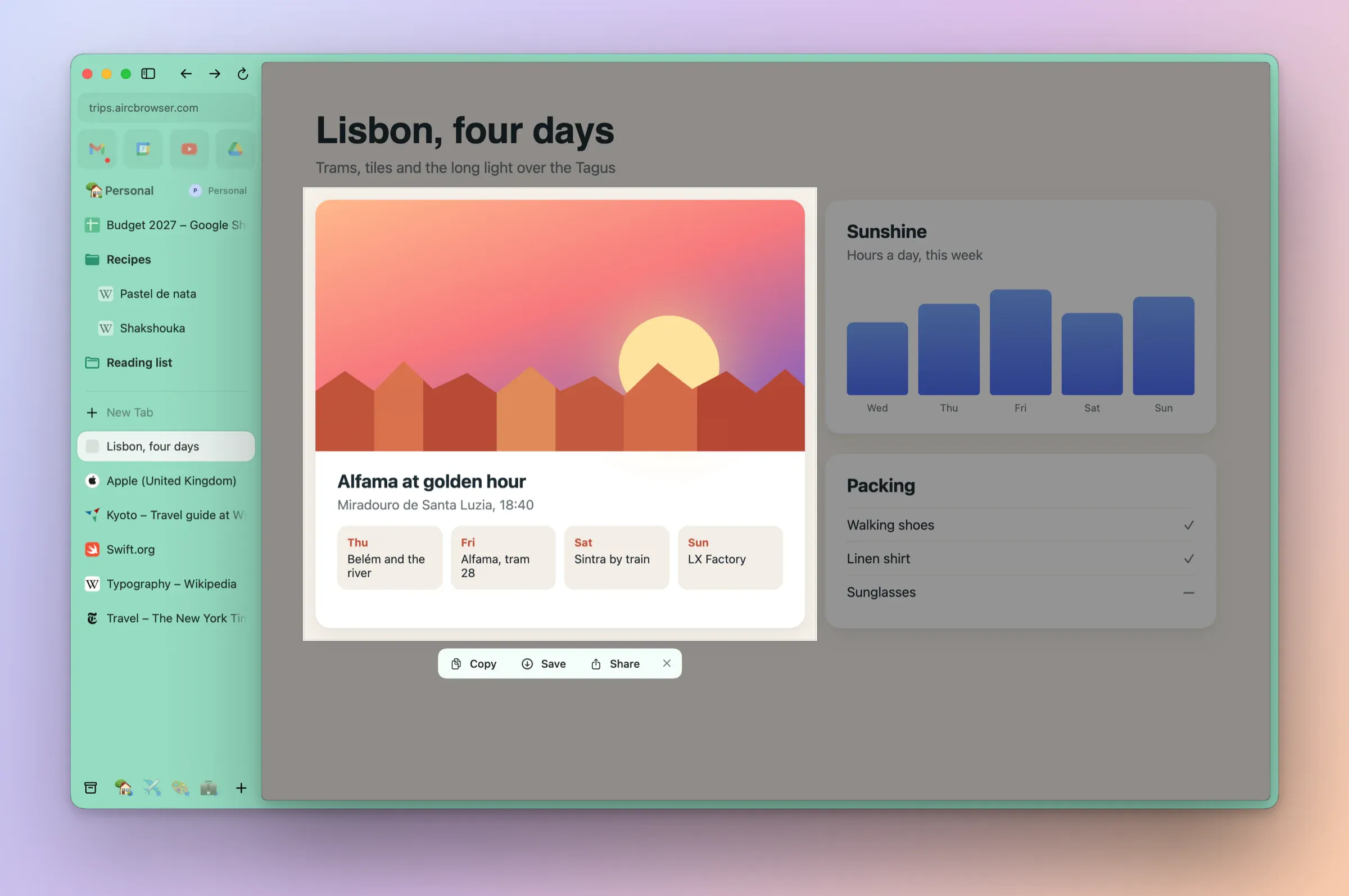
Capture part of a page. A picture of the page, from the browser itself.
⇧⌘2New in 0.1.2
Drag over part of the page, then Copy, Save or Share. No screen-recording permission needed.
The page or one elementNew in 0.1.2
Space takes the visible page; ⌘-click picks one element.
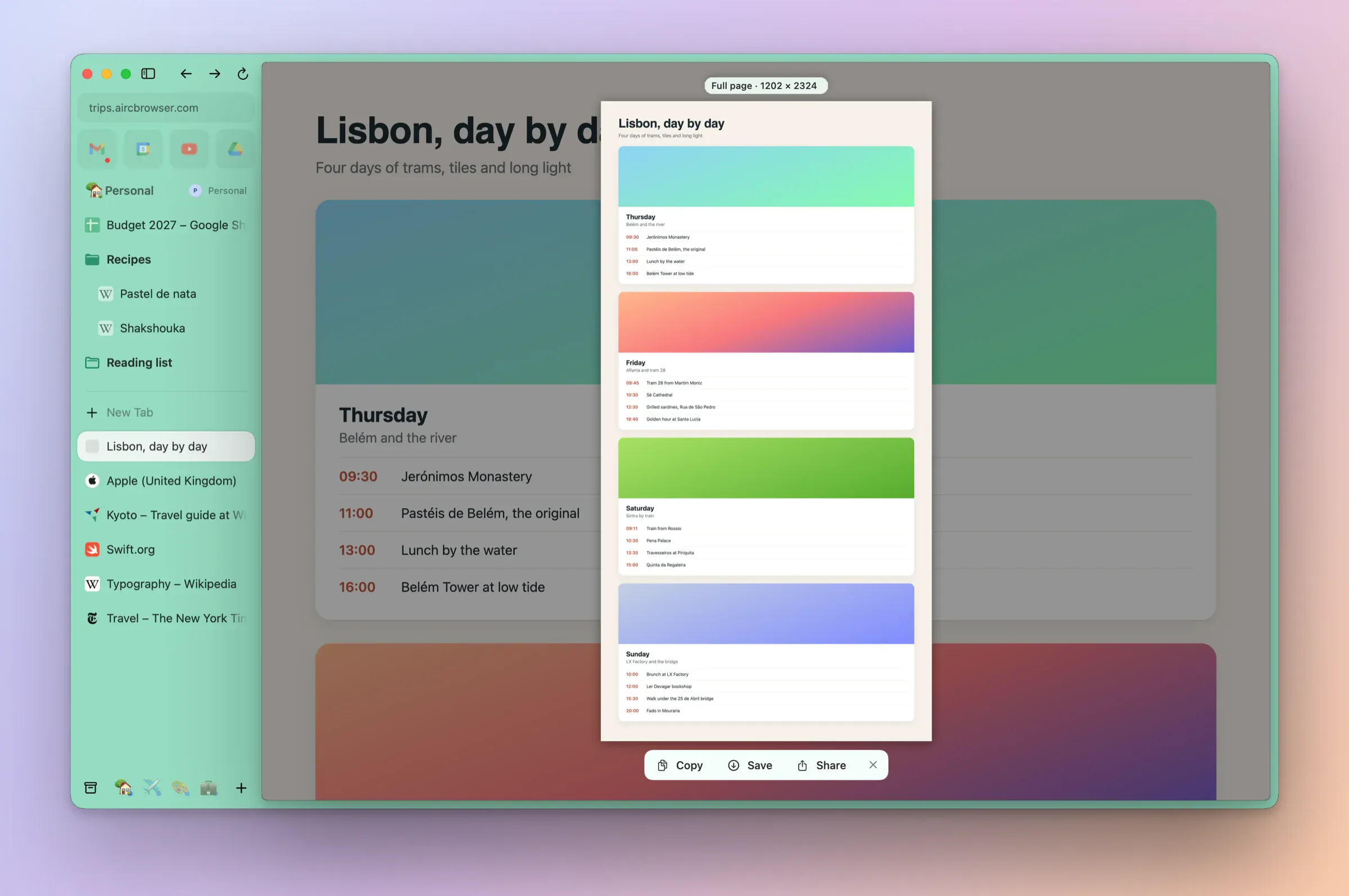
Capture Full PageNew in 0.1.3
In Capture (⇧⌘2), F or View › Capture Full Page takes the whole length of a page, as Arc's did.
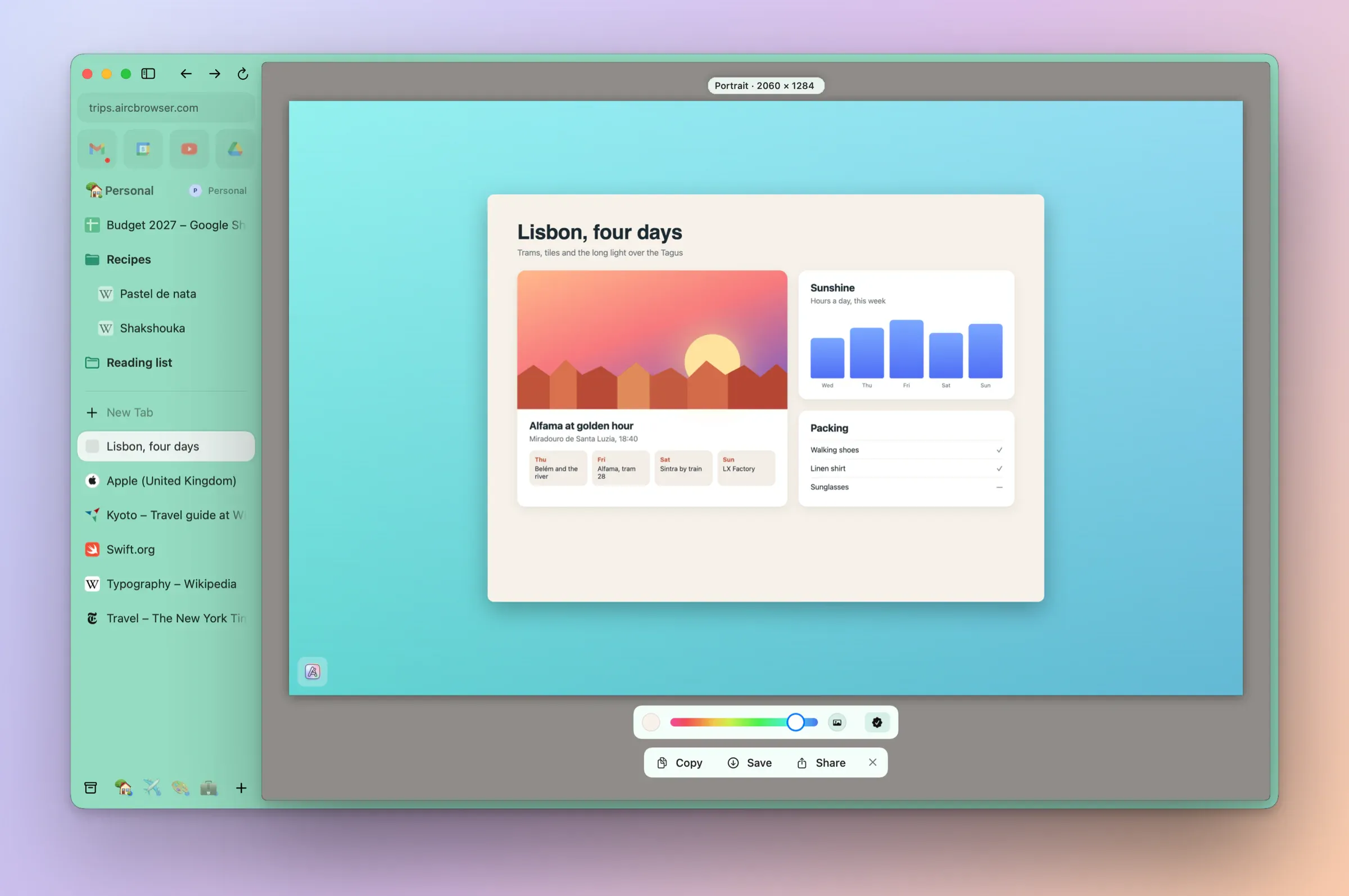
Portrait ModeNew in 0.1.4
P frames the page on its own colour, any colour or your desktop picture, as Arc's did; Copy, Save and Share give the same picture.
Capture from the pageNew in 0.1.4
Capture is in the page's right-click menu, and a Capture can include a note beside the page.