Notes
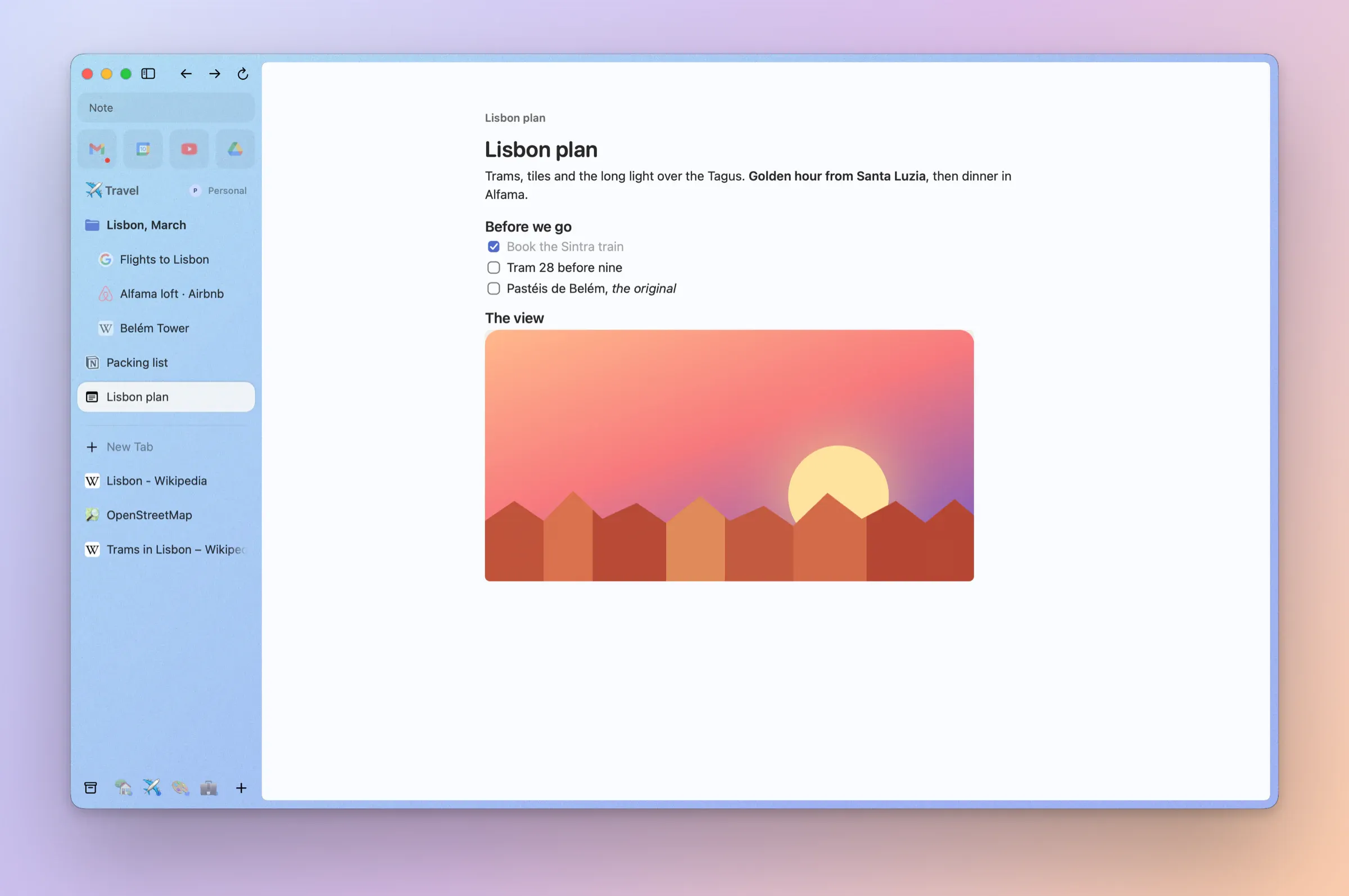
Notes, in the sidebar. Arc's Notes, back: a page of your own in the sidebar.
A note in your SpaceNew in 0.1.3
⌃⇧N, New Note in the Command Bar or the sidebar's + makes a note, pinned in your Space as in Arc. It saves as you type.
A note beside the pageNew in 0.1.3
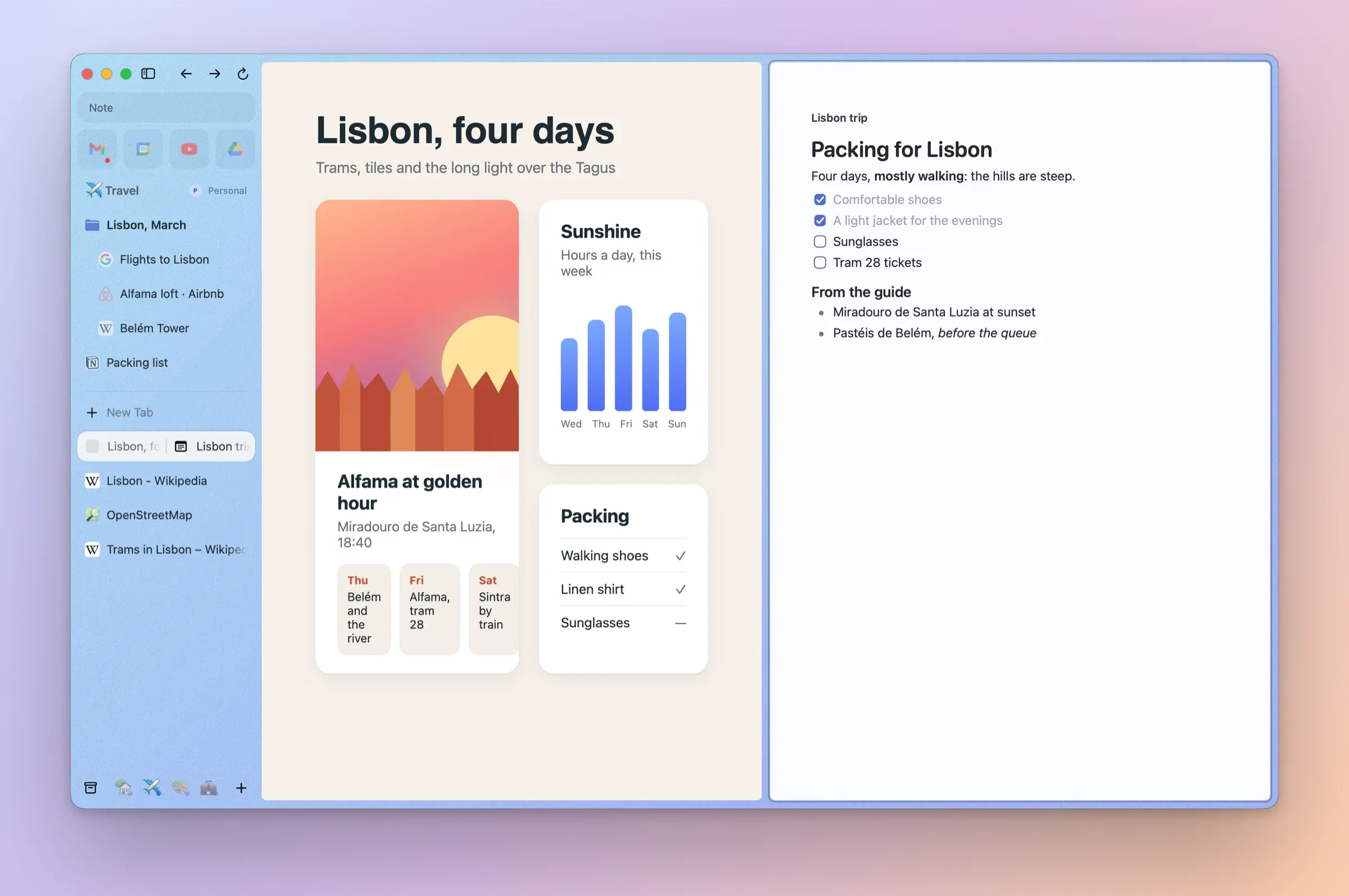
New Note in Split puts a new note next to the page you're on, ready to type, as Arc's New Note (in Split) did.
Lists, headings and linksNew in 0.1.3
Headings, bulleted, numbered and checkbox lists, bold, italic and links, with Markdown as you type: # for a heading, [] for a checkbox.
Paste a CaptureNew in 0.1.3
⌘V puts a Capture, or any picture, into a note, as Arc's notes took them.
Find and archiveNew in 0.1.3
⌘F finds in a note, and ⌘W archives it like a tab.
Export and importNew in 0.1.3
Export Note… saves Markdown, RTF, PDF or HTML, Export All Notes… saves every note, and Import Notes… brings Markdown, RTF and HTML back, Arc's exports too.
Or your own notes appNew in 0.1.3
Settings → General → Notes can make New Note open Google Docs, Notion, Word or Confluence instead.
Pinned Notes syncNew in 0.1.5
Pinned Notes and their pictures sync with your sidebar through iCloud, end-to-end encrypted. Conflicting edits keep a separate copy. Two-Mac key delivery remains unqualified.
A title of its ownNew in 0.1.4
Notes have their own title field, and a note can be dragged into a split.